


Description
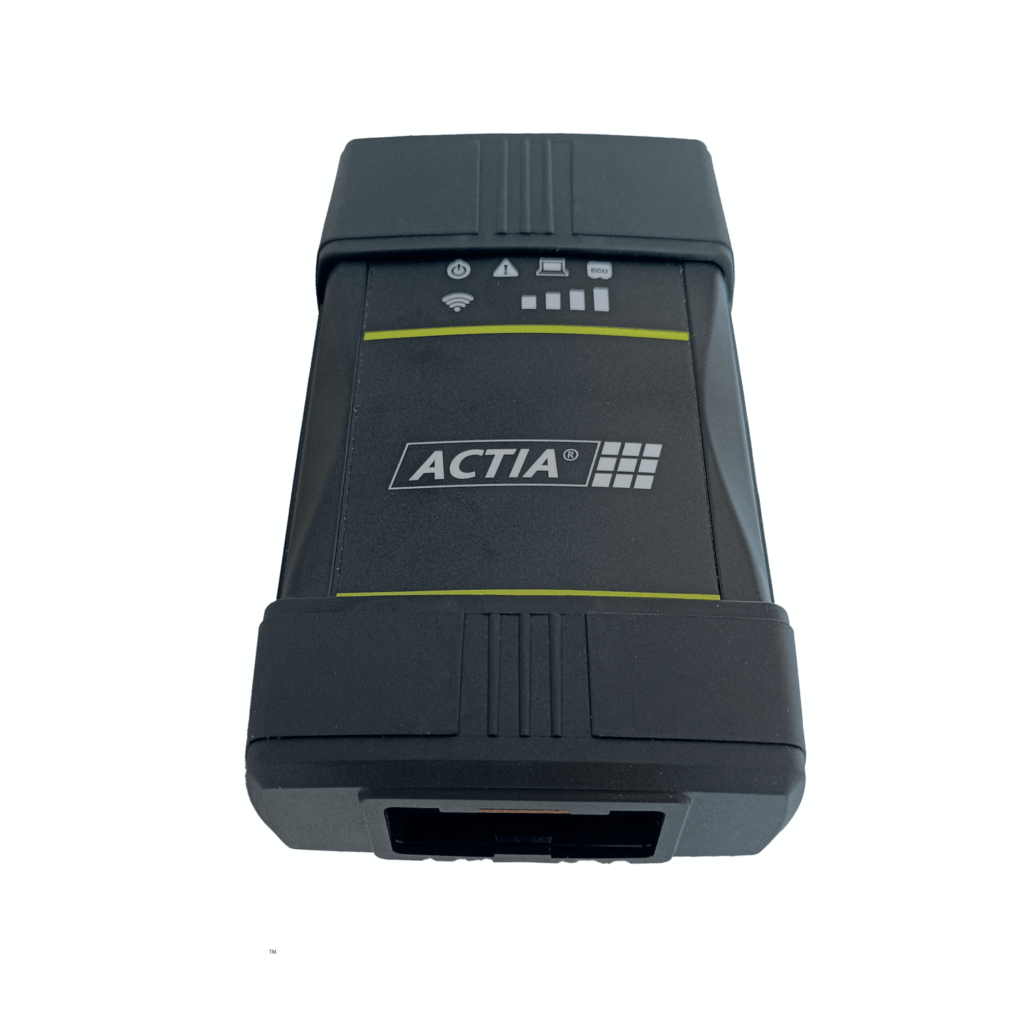
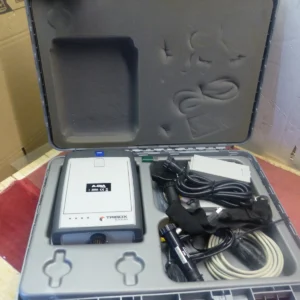
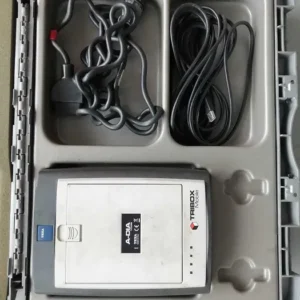
Actia ACI3 VCI (Replacement for XS 2G)
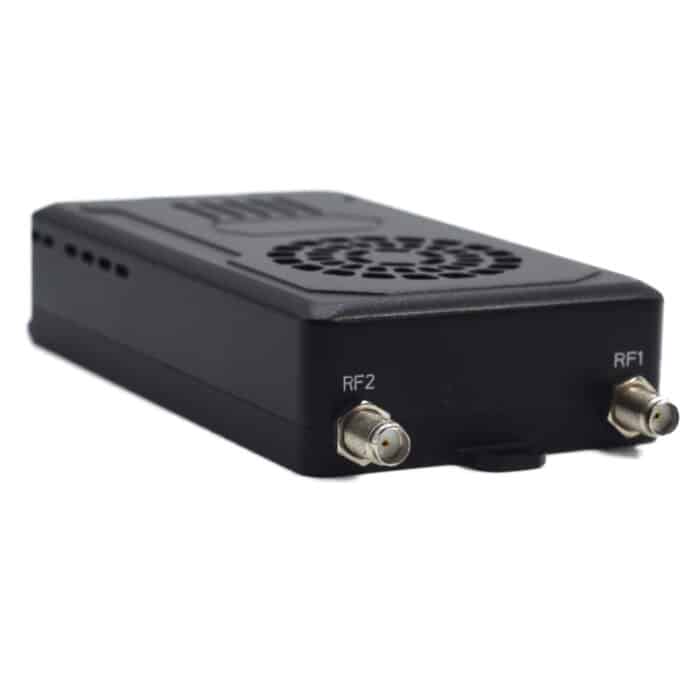
The Actia ACI3 VCI is the latest-generation Vehicle Communication Interface (VCI) designed for professional vehicle diagnostics, programming, and pass-thru applications. Compact, robust, and built to OEM standards, the ACI3 enables fast and reliable communication between diagnostic software and vehicle ECUs using industry-standard protocols.
Key Features
- Universal Compatibility: Works with most OEM and Pass-Thru applications (J2534, RP1210C, D-PDU).
- Vehicle Coverage: Supports leading brands including PSA, BMW, Mercedes-Benz, Porsche, GM/Opel, and more.
- Wireless Connectivity: Dual-band Wi-Fi (2.4/5 GHz) and Bluetooth 4.2 for seamless communication.
- High-Speed Processing: ARM Cortex A9 CPU with FPGA core for fast and stable ECU communication.
- DoIP Support: Ethernet-based diagnostics for new-generation vehicles (ISO 13400).
- Rugged Design: Built with ABS-PC housing, designed for reliability in workshop environments.
- User Interface: 9 status LEDs for communication and signal strength, plus a ceramic buzzer and hidden reset button.
- Eco Design: Energy-efficient operation with low power consumption (6W typical).
- Built-in Web Interface: Enables live diagnostics, configuration, and firmware updates.
Setting Up Connection Hardware
Follow the steps below to connect the ACTIA ACI 3 VCI to your PC and vehicle:
-
Connect the USB cable from the ACI 3 VCI to an available USB port on your PC.
-
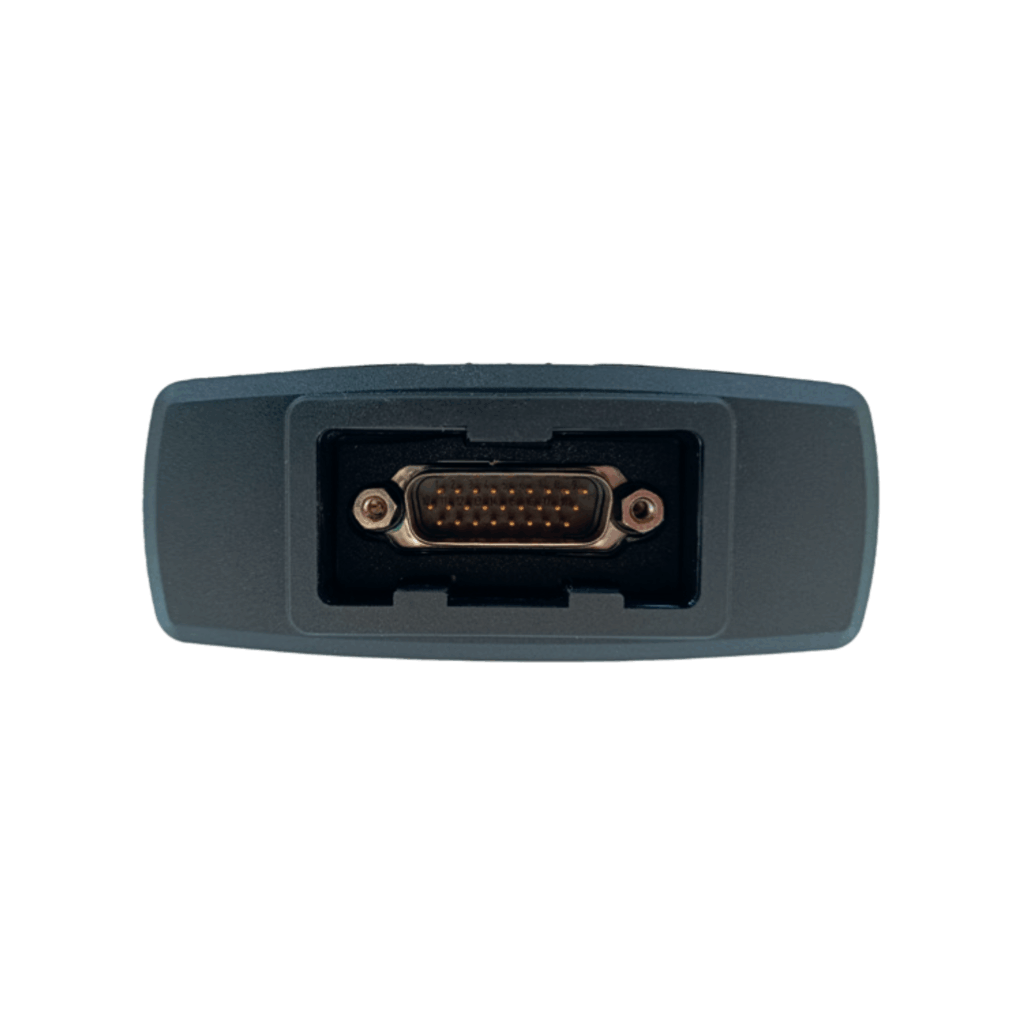
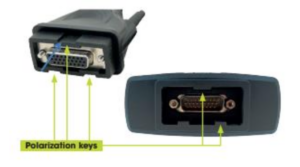
Connect the main vehicle diagnostic cable to the ACI 3 VCI.
-
Connect the other end of the diagnostic cable to the vehicle’s OBD diagnostic connector.
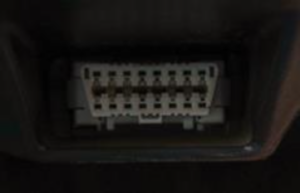
The ACI 3 is powered directly from the vehicle, so no external power supply is required.
Download the Software
ACTIA drivers and software are downloaded directly from the ACTIA support portal.
- Select Support, then Software Download.
-
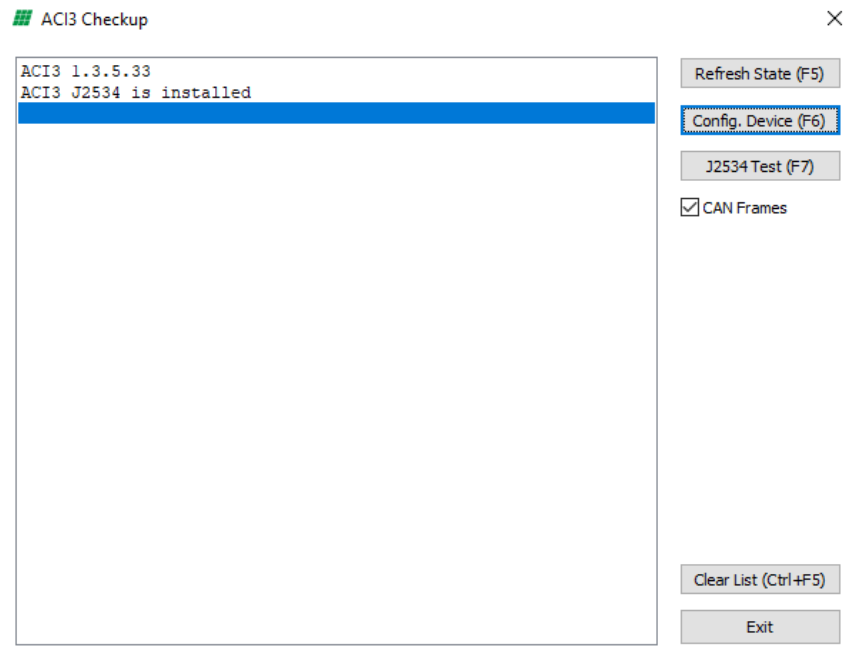
Make sure the ACI3 is connected to the PC and has power.
-
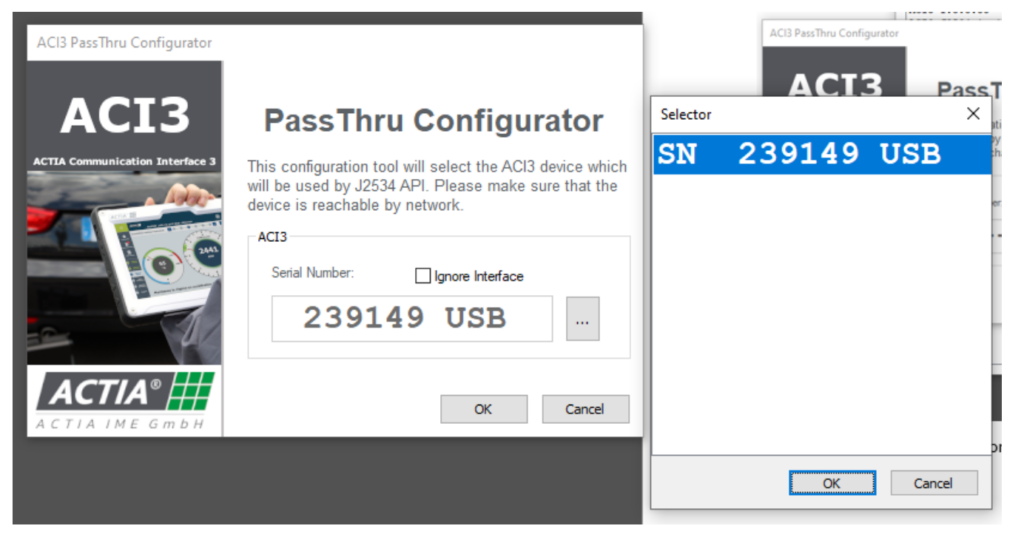
Press Config. Device (F6) to open the Configurator.
-
Press the ‘…’ button and select the device in the Selector, then press Ok.
-
Go back to the ACI3-Checkup tool and press J2534 Test (F7). You should see similar output in the console to test the ACI3 is working.
Please feel free to contact us ,If you have any question:
🖥️📧Email: Autodiagkit@gmail.com | Sales@autodiagkit.com
📲 WhatsApp for fast support:💬 +49 178 4850711
🌍 autodiagkit.com



&url=https://autodiagkit.com/product/actia-aci3-vci-replacement-for-xs-2g/&media=https://autodiagkit.com/wp-content/uploads/2025/12/Actia-Passthru-ACI3-Passthru-1-1024x1024-1.png)


Reviews
There are no reviews yet.