



Description
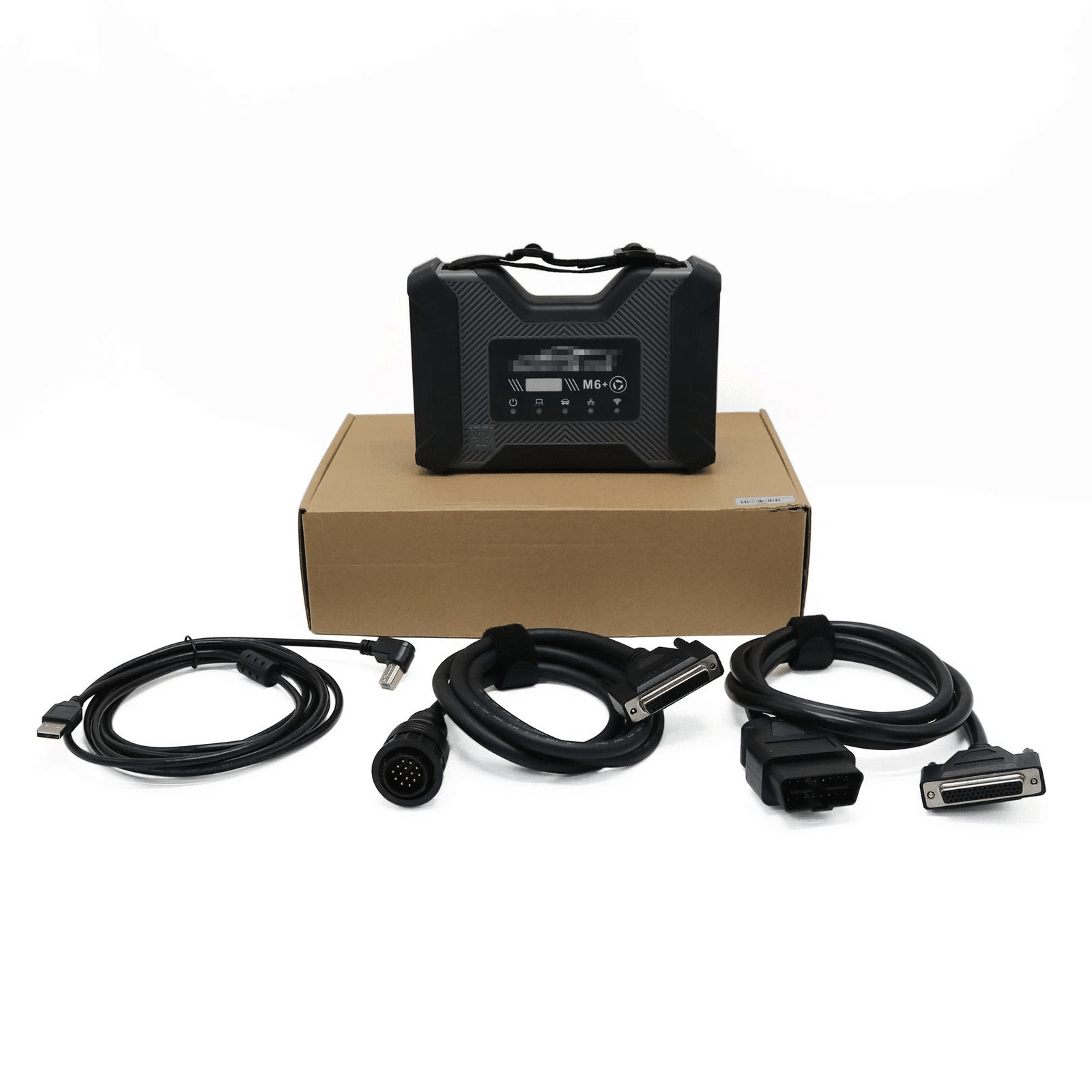
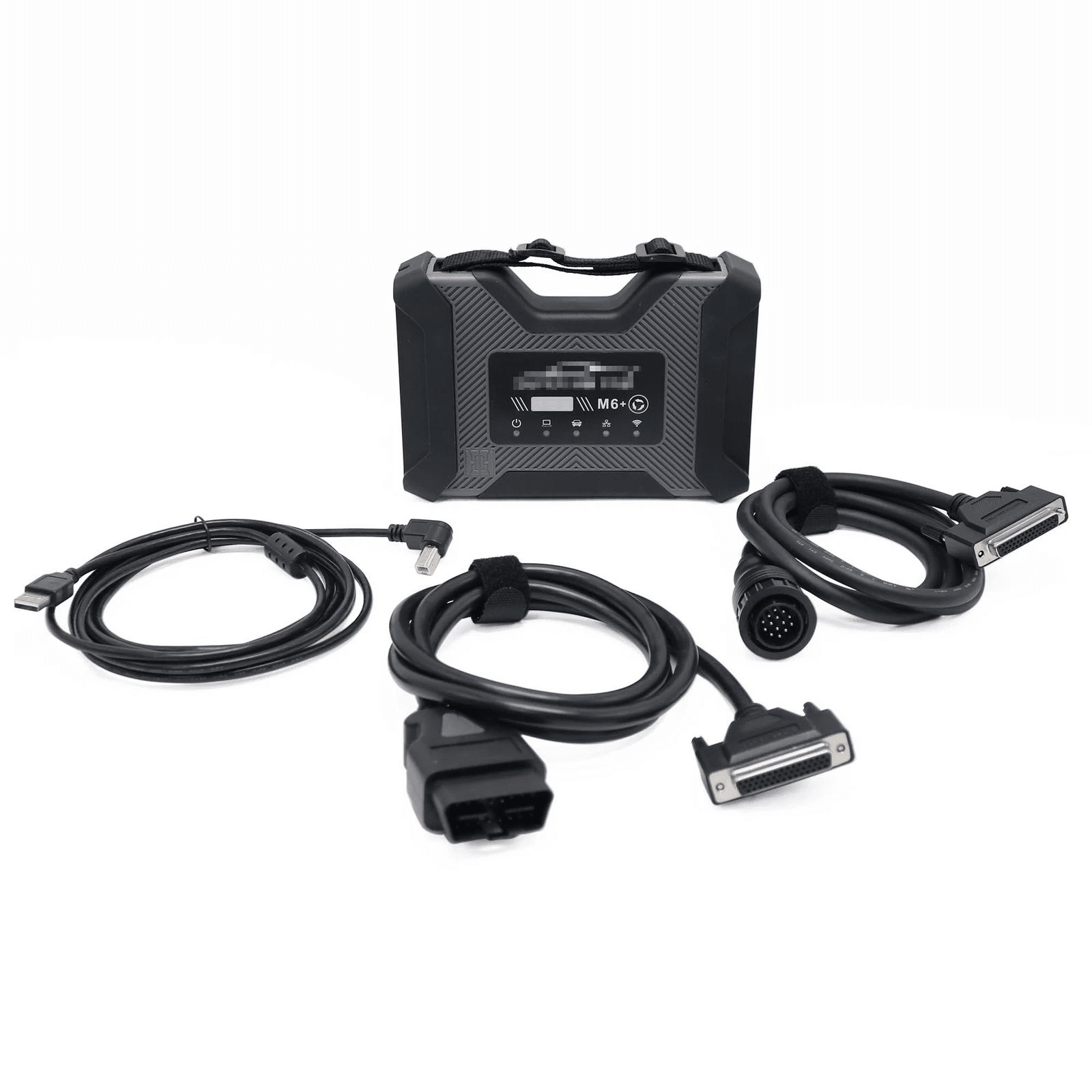
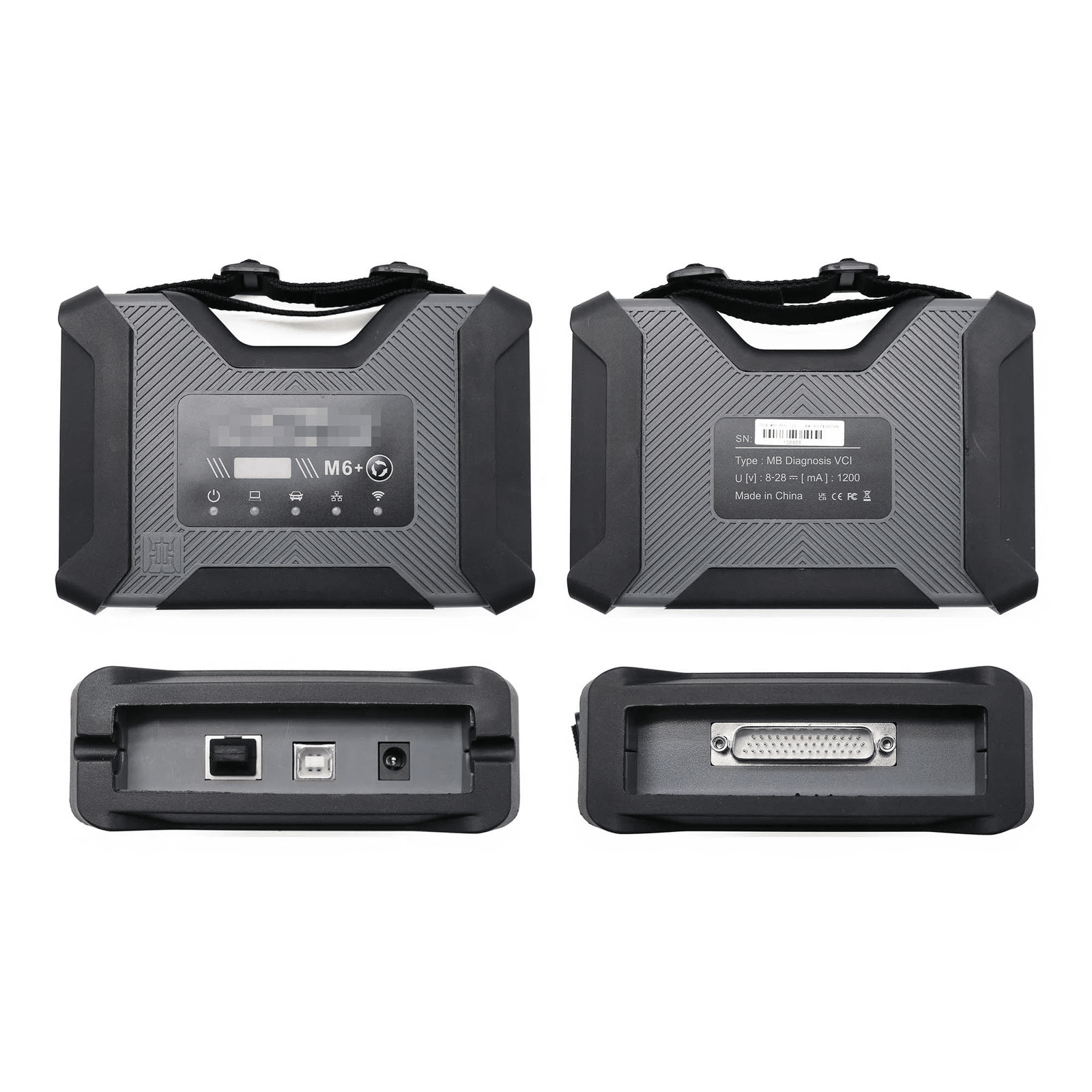
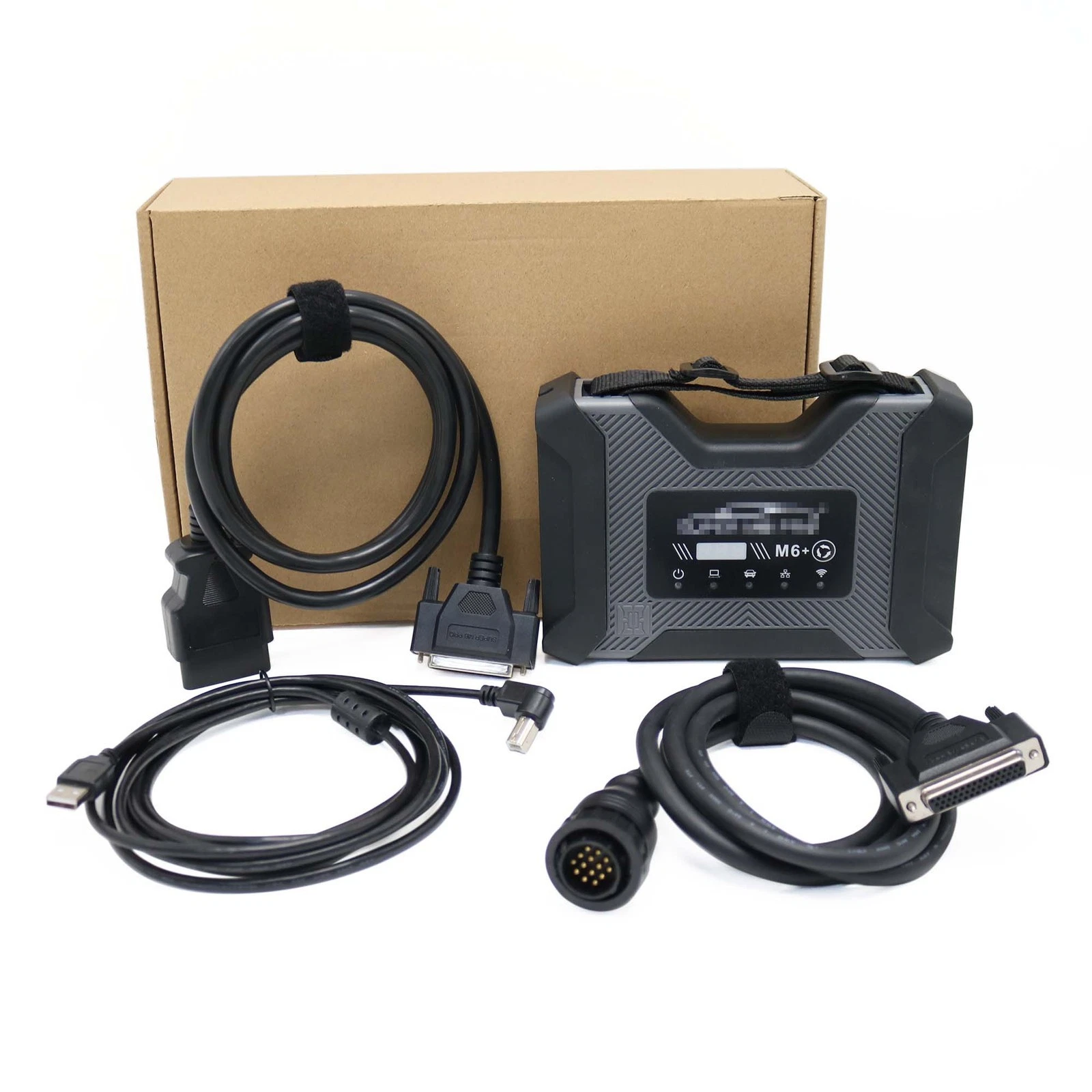
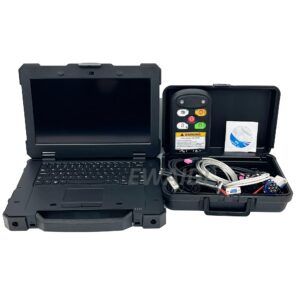
Benz Trucks and Bus Super MB Pro M6+ Wireless Diagnostic Tool + CF53 Laptop
Product Introduction:
Based on Super MB PRO M6+, Super MB PRO M6+ Pro has greatly improved product functions and compatibility. It has added real-time display of vehicle voltage and is 100% compatible with the original Mercedes-Benz software.
Product Features:
1.100% compatible with the Mercedes-Benz software.
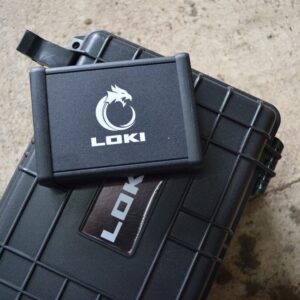
2.The front label of the M6+ Pro uses a design with trademark rights and art copyrights to improve product recognition. It has dded a multi-function switch button to switch to BWM test with one click.
3.The communication between the M6+ Pro and the computer is through a USB3.0 cable or a ethernet cable, which improves the compatibility of the product with computers and tablets. (Compatible with both old and new computers and tablets, no need to choose old-fashioned computers and tablets with network ports.)
4.M6+ Pro supports remote C-side operation. The client does not need to install special diagnostic testing software. Just connect the M6+ Pro to a local computer that can access the Internet, and we can remotely provide customers with paid diagnosis and detection services of vehicle failure. Customers can also set up a local remote diagnostic test in the local area network. The above ways greatly improve the product flexibility.
5. M6+ Pro supports vehicles with DOIP communication protocol, such as the new for V0lks-wagen, for Audi, for Skoda, for Bent-ley, for Lambo, etc. A dedicated transition button is provided.
6. Support new models such as W223 c206 213 167.
Product Functions:
M6+ Pro, M6+ and M6 product function comparison chart
| M6 Product Functions | M6+ Product Functions | M6+ Pro Functions | |
| X-E-NTRY | √ | √ | √ |
| X-E-NTRY Truck | √ | √ | √ |
| D-TS | √ | √ | √ |
| VIDEO | √ | √ | √ |
| MB DOIP | √ | √ | √ |
| MB WIFI | √ | √ | √ |
| PC USB | × | √ | √ |
| PC RJ45 | √ | × | √ |
| Vehicle Voltage Real-time Display | × | × | √ |
| for BWM Aic-oder | × | √ | √ |
| for BWM E-S-YS | × | √ | √ |
| for BWM APP | × | √ | √ |
| Other DOIP | × | √ | √ |
M6+ PRO for Mercedes-Benz and for BMW configuration
1. Plug the M6+PRO into the power supply or connect the OBD to the test vehicle, and plug in the USB/LAN cable of the M6+PRO.
2. Turn on the computer and plug in the computer USB/LAN cable.
3. Open the computer network configuration interface and find the Realtek USB FE Family Controller network/the network adapter that comes with the PC.

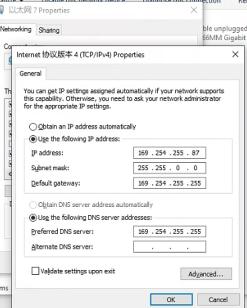
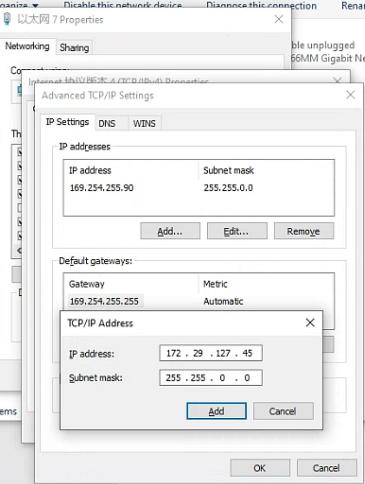
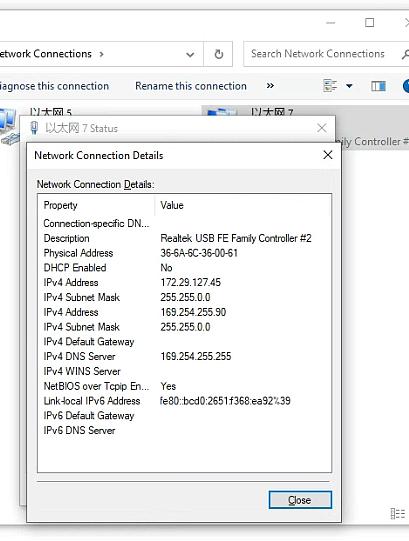
7.For the same computer, if you replace a new M6+PRO, you need to reset the IP address. After the setting is completed, the computer is successfully bound to the M6+PRO and there is no need to set the IP address again for wired and wireless Internet access. (Use LAN port connection mode, no need to re-set IP when changing devices).
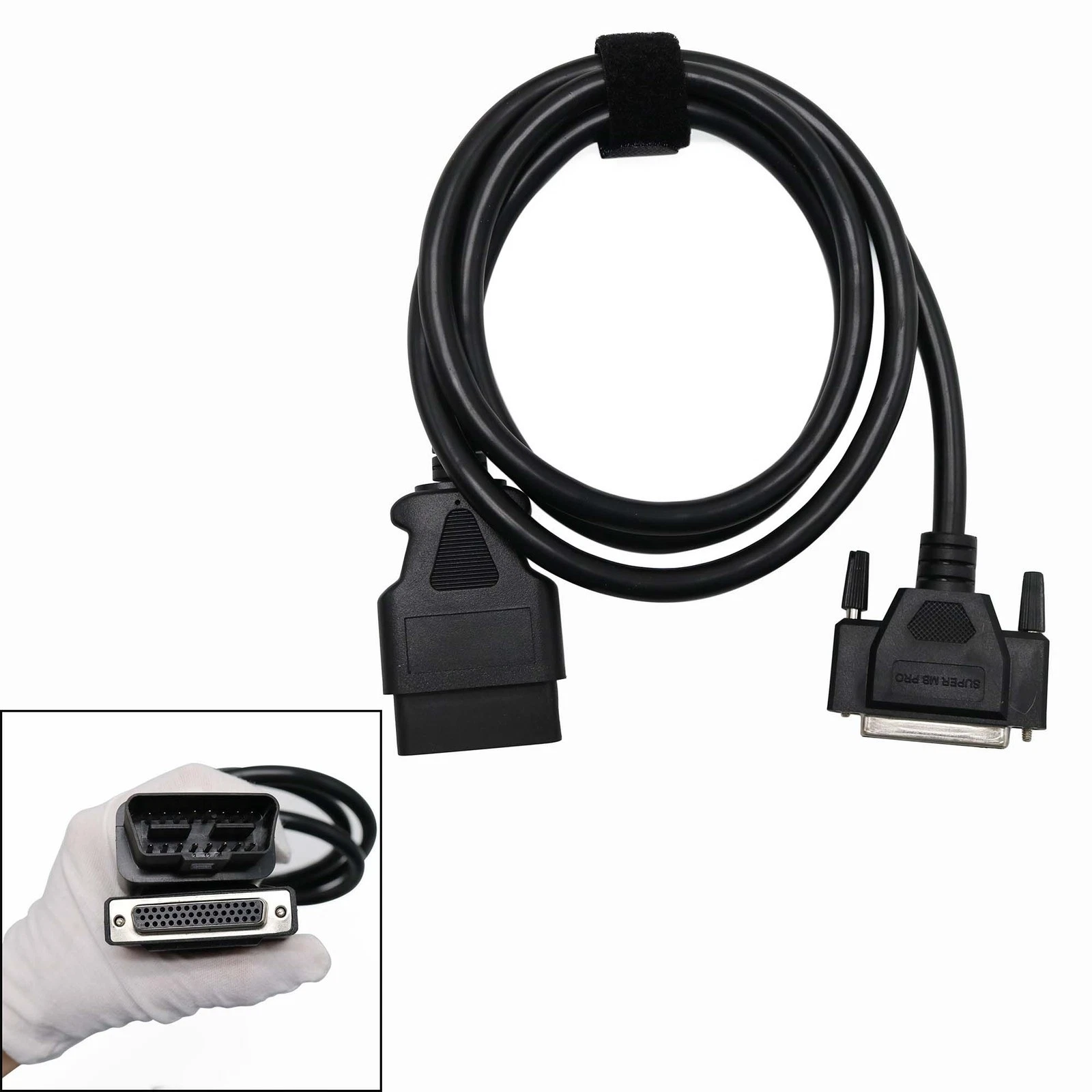
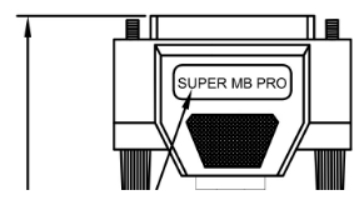
8.You can test Mercedes-Benz normally. Please connect the diagnostic cable with SUPER MB PRO logo.
9. for BMW wireless BMWAiC-ode configuration(only for F+G chassis)
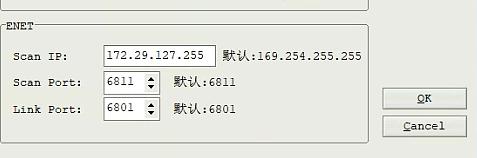
Connect to the M6+PRO -***, password:123456789, wirelessly, press and hold the M6+PRO switch button for 3 seconds, and the M6+PRO host wireless indicator will flash. The computer-side BMWAiC-oder configuration is as follows:


Reviews
There are no reviews yet.