


Description
Developer Truck Tools
TruckTools
The “TruckTools” software, hereinafter referred to as software, is designed to change the parameters and performance of DAF vehicles.
The use of the software is the responsibility of the end user.
The user must have the necessary knowledge in the field of mechanical engineering, the principle of operation of certain vehicle units.
If the software is not skillfully handled, various units of the car may fail.
Description of parameters and functions
- Deactivation of power and speed limits in the event of a malfunction of the AdBlue system
- Pre-injection
- Water pump
- Humidity sensor
- lambda probe
- EGR valve
- BPV valve
- Ventilation of crankcase gases
- Idle timer
- AdBlueOFF Euro6
Before starting…
1. Your computer must have the latest Windows updates installed
2. DAVIE3 diagnostic software must be installed on your computer
3. Your PC must have a stable Internet connection
4. Your PC must have a connected power source or sufficient battery power
The principle of using the software “TruckTools”
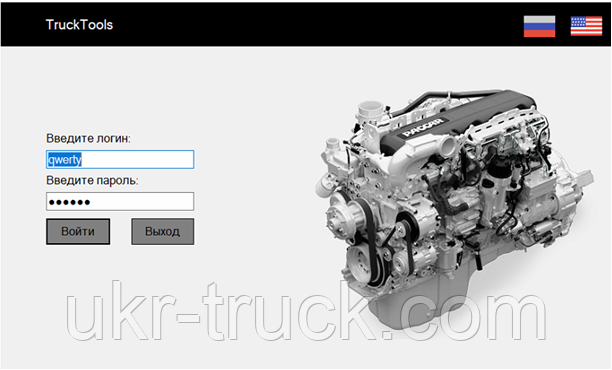
First window. You must enter your data (login and password), and you can also choose the language of the software interface.
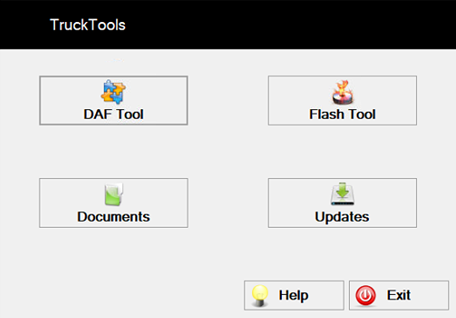
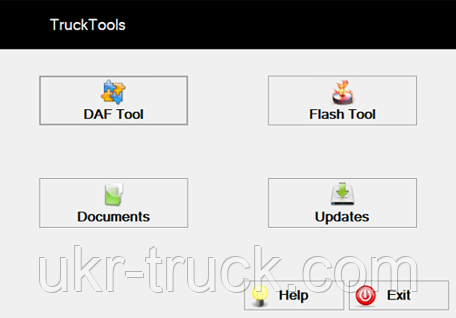
Second window. Make a selection of the required application.
DAF Tool – change vehicle parameters.
Documents – DAF Euro 6 training materials.
FlashTool – block programming (used in conjunction with its adapter. In development).
Updates – Download PRS updates.
DAF Tool
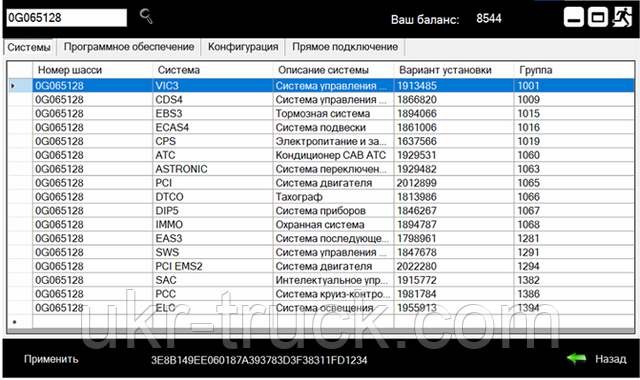
The Systems tab displays the installed systems in this vehicle (0G065128).
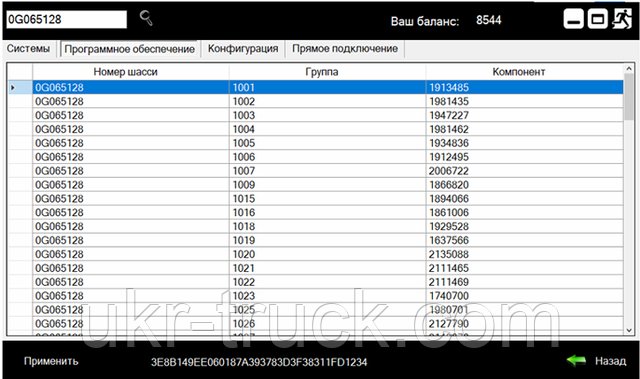
The “Software” tab displays the numbers of components and their groups installed in this vehicle (0G065128)
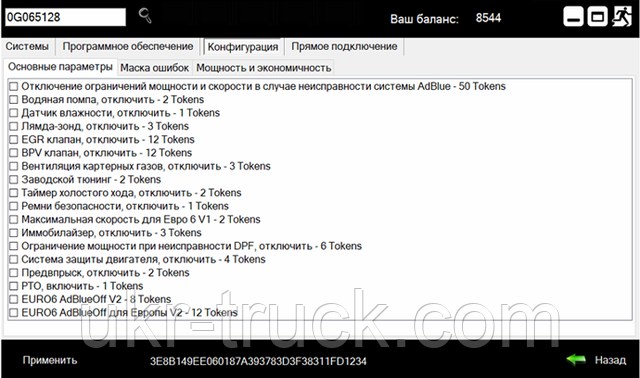
On the “Configuration” -> “Main parameters” tab, a list of parameters available for change on a particular vehicle is displayed.
This list of parameters is automatically generated depending on the vehicle (chassis number), so the list will be different for each specific vehicle.
In the “General Settings” tab, select the settings you want to change and click the “Apply” button.
Then minimize (do not close) the application, launch DAVIE and do basic programming of those electronic systems to which the parameters you have chosen apply.
After programming, erase errors, close DAVIE, close “TruckTools” software.
Attention!!! If the software is closed in a different order, the DAVIE database may be damaged.



Reviews
There are no reviews yet.